Short on time? Here’s the bottom line:
The Quick Pick – The Amazon Bestseller TP-Link RE330 AC1200 WiFi Extender
The most reliable plug in booster for UK renters. It delivers dual band speeds up to 1200 Mbps and features adaptive path selection to find the fastest connection to your router automatically. It is the gold standard for eliminating dead zones without permanent setup.
Living in a shared UK rental property or HMO often means fighting for a stable internet connection. Landlords typically lock the main router in a hallway cupboard downstairs, leaving tenants in back bedrooms with zero signal. Running Ethernet cables through shared hallways is a breach of tenancy rules, and drilling holes for wall mounted networking equipment leads to immediate deposit deductions. To solve this, you need a portable, plug in network extender that requires zero technical installation and packs into a bag when you relocate.
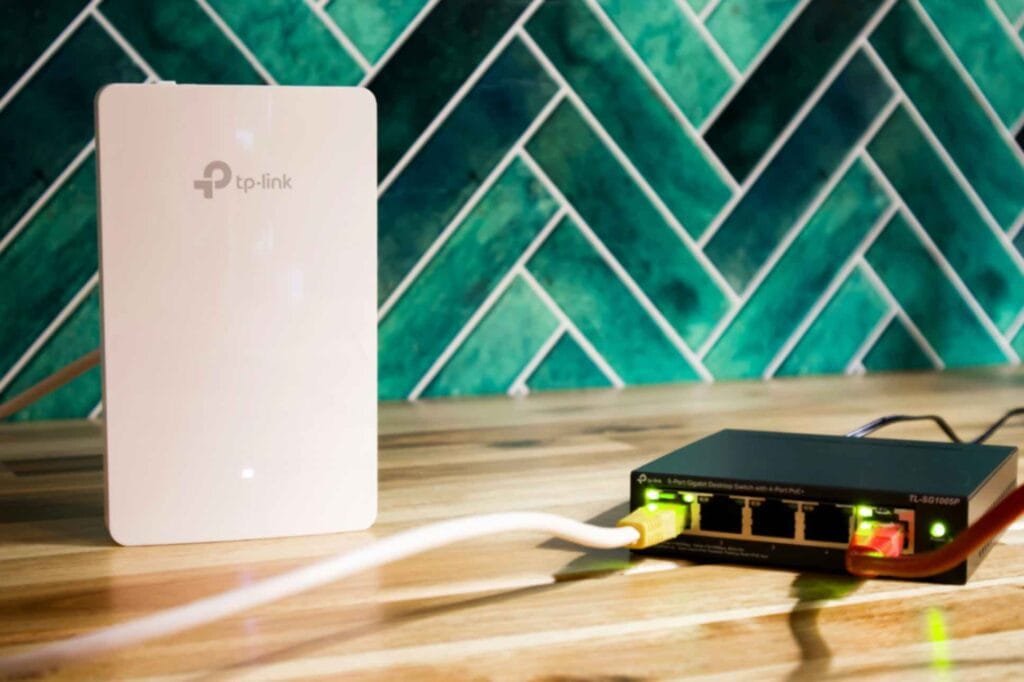
Comparison Table
| SPEC | TP-Link RE330 | Amazon eero 6 | TP-Link RE505X |
|---|---|---|---|
| Best For | Overall Value | HMO Congestion | High Speed WFH |
| Speed | 1200 Mbps | 500 Mbps Mesh | 1500 Mbps Wi-Fi 6 |
| Setup | Tether App | eero App | Tether App |
| Warranty | 3 Year | 1 Year | 3 Year |
| Where to Buy | Amazon | Amazon | Amazon |
TP-Link RE330 AC1200 WiFi Extender
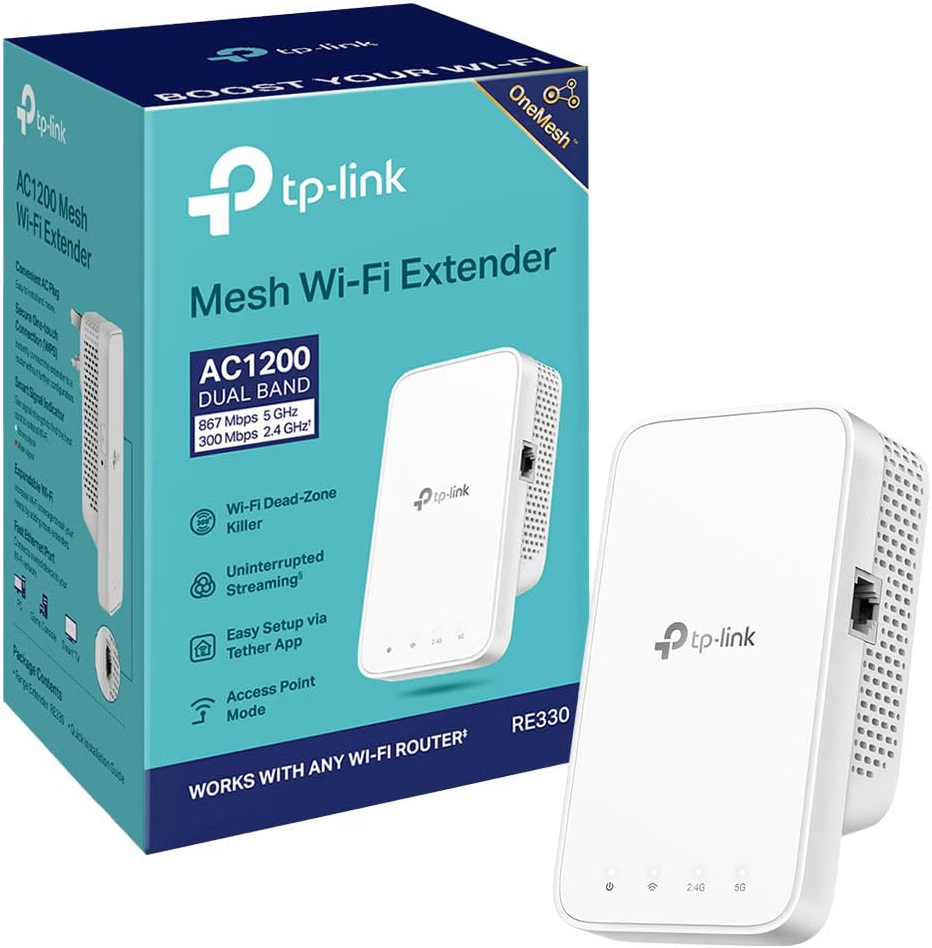
The TP-Link RE330 is the top choice for renters who want a reliable, budget friendly signal boost without dealing with complex mesh configurations. It plugs directly into any standard UK wall outlet and integrates with OneMesh routers to form a single unified home network.
Why Renters Love It
- Zero Wall Damage. Because it is a direct wall mount plug in unit, it requires zero drilling, screws, or permanent brackets. When your lease ends, you simply pull it out of the socket.
- Adaptive Path Selection. The device automatically chooses the fastest path to your router, ensuring your streaming or gaming sessions do not suffer from sudden packet loss.
- Ethernet Port Included. It features a 10/100 Mbps port on the bottom, allowing you to hardwire a desktop computer or games console directly to the extender for maximum stability.
The 10 out of 10 Metric
For transient renters moving every 12 to 24 months, the TP-Link RE330 acts as a highly liquid asset. It weighs under 200 grams, fits inside a jacket pocket, and typically retains strong resale value on local marketplaces. Furthermore, it draws approximately 7W of power, costing roughly £18 per year to run continuously at current UK energy price caps.
Amazon eero 6 Mesh Extender
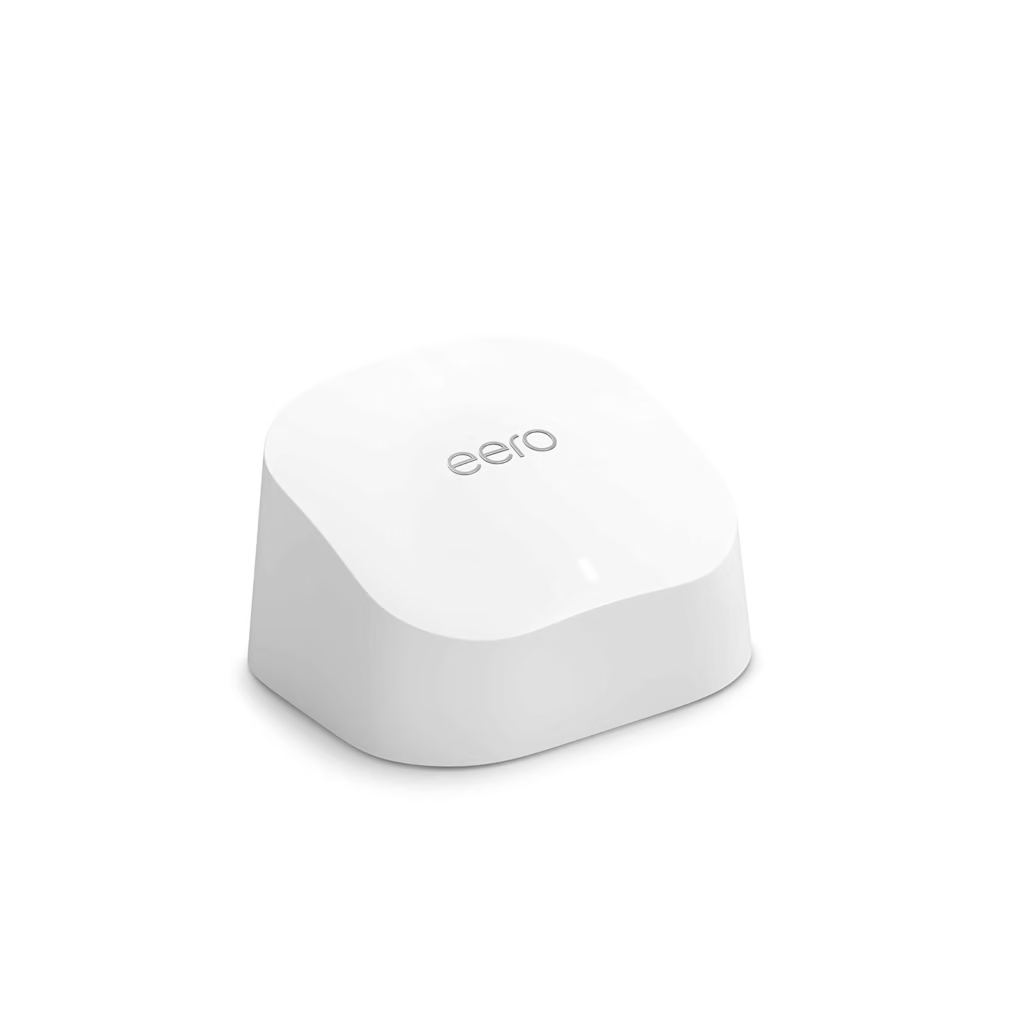
Standard extenders often struggle when five or more housemates are streaming video, attending video calls, and gaming simultaneously. The Amazon eero 6 solves this through intelligent mesh routing.
Why Renters Love It
- Massive Device Capacity. It is engineered to handle over 75 connected devices at once without bottlenecking your local bandwidth.
- TrueMesh Technology. Instead of simply repeating a weak signal, the eero system intelligently routes traffic to avoid network congestion, which is vital in Victorian terrace houses with thick internal brick walls.
- Smart Home Hub Integration. It acts as a Zigbee smart home hub, allowing you to connect smart bulbs and plugs without needing extra hardware cluttering your bedroom.
The 10 out of 10 Metric
If you work from home in a shared house and experience professional zoom dropouts, the eero 6 eliminates the financial and career risk of internet failure. While it carries a higher initial price point of £99.99, it is an investment piece that protects your remote work stability across multiple property moves.
TP-Link RE505X Wi-Fi 6 Extender
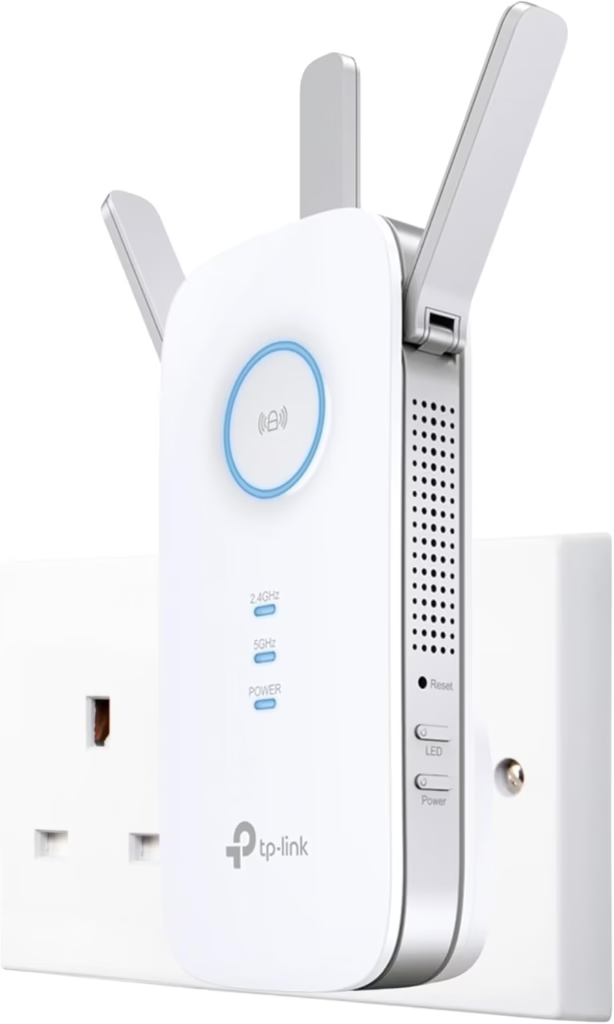
For renters who require bleeding-edge speeds and low latency, the TP-Link RE505X brings next-generation Wi-Fi 6 technology to rental properties.
Why Renters Love It
- Wi-Fi 6 Performance. It utilizes OFDMA and MU-MIMO technology to communicate with multiple devices at once, increasing network capacity by up to 4x compared to older AC extenders.
- External Adjustable Antennas. Two high gain antennas allow you to physically direct the signal around awkward architectural obstacles like structural pillars or internal chimney breasts.
- Smart Signal Indicator. A multicoloured LED light on the front guides you to the exact wall socket location for optimal signal strength during setup.
The 10 out of 10 Metric
The RE505X carries a manufacturer backed 3 year warranty, giving you long term hardware protection that outlasts the average UK tenancy. Its robust casing survives rough transport in moving boxes, making it a durable tool for frequent movers.
Real World Reality What the Community Says
1. The Dead Zone Dispute
USER REPORT
My bedroom was at the very front of a shared five person house and the router was in the back kitchen. I kept getting kicked off my university lectures because the signal had to pass through three brick walls.
💡
The Smart Tenant Fix
Standard Wi-Fi signals degrade rapidly when passing through solid masonry and internal load bearing walls.
Our Advice
You must place your extender halfway between the router and your destination room. Placing it inside your dead zone room does nothing because the signal is already dead by the time it gets there. Use the signal indicator lights on the TP-Link units to find the sweet spot in the hallway.
2. The App Setup Frustration
USER REPORT
I bought an extender and spent an hour trying to link it to my router using the app. The network kept dropping out and asking for a local password.
💡
The Smart Tenant Fix
Modern routers often combine 2.4GHz and 5GHz bands into one smart channel, which can confuse setup apps.
Our Advice
Use the WPS button pairing method for an instant physical handshake before downloading the management app. This bypasses software conflicts and gets your network live in under two minutes.
Manual TP-Link RE315 Setup
Based on the video above, please find these instructions below. Note that these steps apply to all TP-Link AC1200 extenders, including the RE330 quick pick above.
TP-Link RE315 Setup
Visual walkthrough • 8 clear steps
Unbox the TP-Link RE315 and observe the physical layout. Locate the ethernet port on the bottom edge, the power button on the side, and the factory reset button on the rear chassis.
Find a wall outlet halfway between your router and your dead zone room. Plug the extender directly into the wall socket.
Wait for approximately one minute until the front power LED turns from flashing to a solid yellow or green state.
Download the Tether app on your smartphone using the QR code provided in the paper setup guide.
Open the app, select Add Device, and choose Range Extender. Accept the prompt allowing the app to join the temporary TP-Link Wi-Fi network.
Create a secure local login password to manage the device.
Select your main 2.4GHz and 5GHz home wireless networks from the list, input your router password, and wait for the settings to apply.
Confirm your location using the signal indicator lights, and your extended network is ready for use.
The Proptech Audit The Router Access Dilemma
In a shared UK rental property, the main broadband router is legally owned by the broadband provider under the lead tenant’s name. Landlords and lead tenants frequently lock the router in a hallway cupboard to prevent tampering or accidental disconnection.
This creates a proptech challenge for renters who need a wired connection for work or gaming. The Smart Tenant fix is to utilise the built-in Ethernet port on extenders like the TP-Link RE330. You can plug a short network cable directly from the extender into your laptop or desktop computer, turning a wireless extension into a stable wired connection without running cables across communal floors or drilling into skirting boards. This preserves your rental deposit while giving you professional grade network stability.
Frequently Asked Questions
Does the TP-Link RE330 require drilling?
No. It is a direct plug in wall unit that requires zero permanent installation.
Can I take my Wi-Fi extender with me when I move?
Yes. It unplugs in seconds and fits into any removal box, making it fully portable.
Will this work if the main router is locked away?
Yes. It only requires a wall socket within range of the Wi-Fi broadcast, not physical access to the router itself.