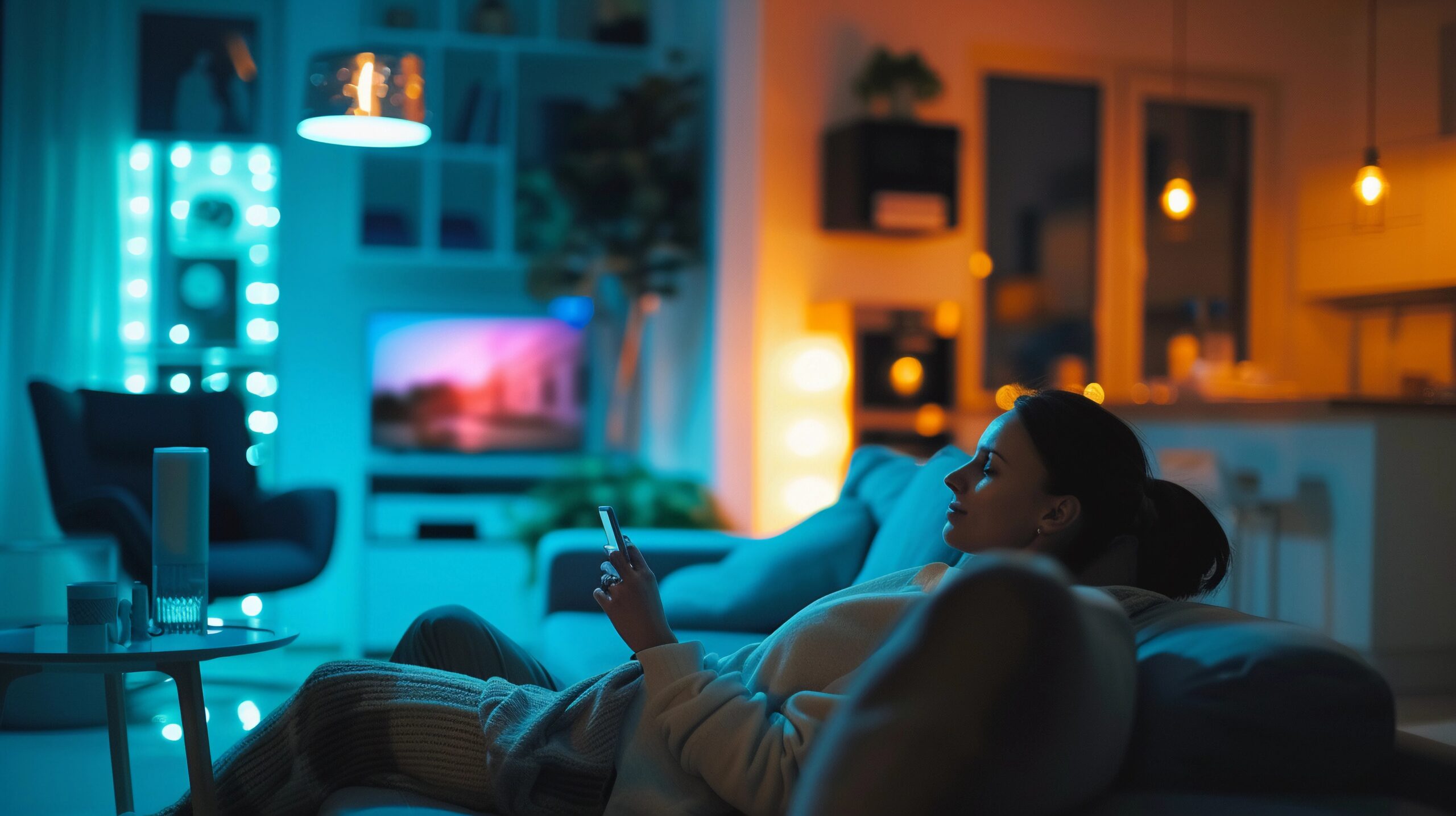
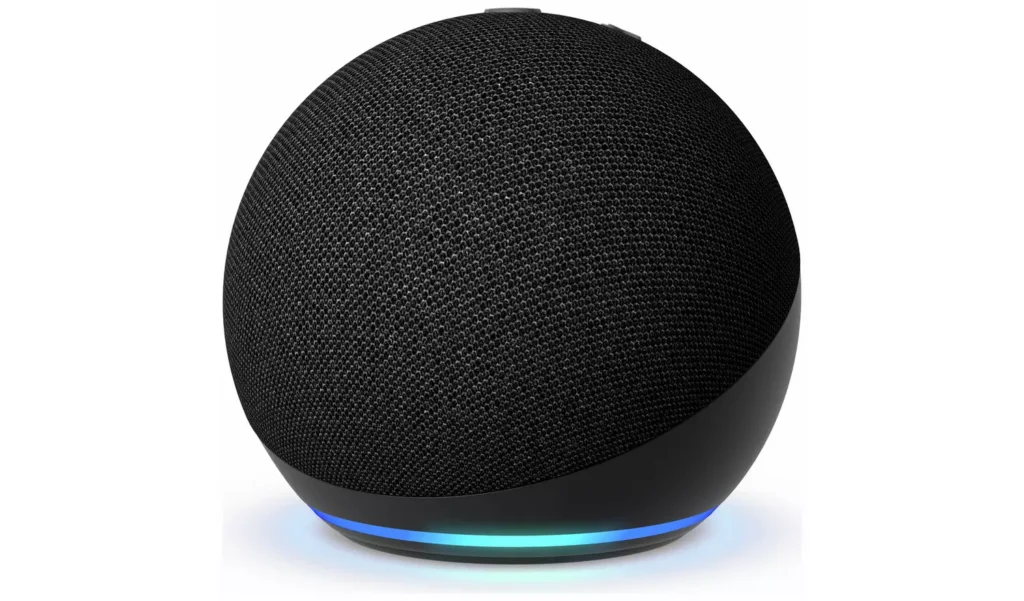
🔥 THE QUICK PICK – The Smart Tenant Starter Kit (Echo Pop + Tapo Bulbs)
For those starting from scratch, this is the most efficient base. It gives you voice control and lighting automation. This setup is the foundation of our 2026 guide, ensuring every device you buy is 100 percent portable for your next move.
There is a persistent myth that building a “Smart Home” is a luxury reserved for homeowners with £20,000 budgets and a team of electricians. The perception is that you need to chase cables into the plaster, replace light switches, and drill into the masonry.
For the 4.6 million private renters in the UK, that approach is impossible. It is a fast track to losing your deposit or getting evicted.
But you do not need to rewire your house to live in the future. You just need to choose the right “Overlay Technology.”
“Overlay Tech” refers to devices designed to sit on top of your existing “dumb” appliances locks, switches, curtain rails without permanently altering them. They are non-destructive, battery powered, and 100% portable.
In this guide, we have curated the ultimate “Deposit-Safe” Shopping List. For roughly £500, you can turn a standard UK rental flat into a secure, automated, voice controlled ecosystem and when your tenancy ends, you can pack the entire system into a moving box in less than an hour.
The Budget Breakdown: Where Your Money Goes
We have allocated the budget to prioritise security and energy savings first, with luxury automation as the bonus.
| Category | Product Choice |
|---|---|
| Security (Front Door) | Ring Battery Doorbell Plus |
| Access (Smart Lock) | SwitchBot Lock Pro |
| Automation (Curtains) | SwitchBot Curtain 3 (Rod) |
| Lighting (Living Room) | 2x Tapo L530E Bulbs |
| Energy (Plugs) | 4x Tapo P110 Plugs |
| Control (Hubs) | Echo Dot + SwitchBot Hub |
Phase 1: The Front Door (Fort Knox)
Your front door is the primary weakness in any rental property. You don’t know how many previous tenants still have a copy of the key, and you cannot drill holes to install traditional alarms.
1. The Video Doorbell: Ring Battery Plus
Why we chose it: The ecosystem. Ring offers the most robust official “No-Drill” mount on the market.
https://thesmarttenant.co.uk/best-no-drill-video-doorbells-for-uk-renters-2025-guide/
Manual Insight: Height & Positioning
According to the Ring installation manual, the optimal mounting height is 1.2 metres (4 feet) off the ground.
- The Mistake: Many renters stick it at eye level (1.6m).
- The Problem: The motion sensors are angled slightly downward. If you mount it too high, the camera will miss packages left on the doorstep and might fail to trigger when someone walks up the path. Stick it lower than you think.
Manual Insight: The “Fire Door” Signal Block
Most flat entrance doors are FD30 Fire Doors. They contain a solid core and metal sheeting. This acts as a massive shield against Wi-Fi.
- Placement Tip: If your router is in the living room at the back of the flat, your Ring will show a “Weak Signal” (RSSI -60 or lower) and the video will lag. You don’t necessarily need the expensive “Chime Pro” extender. A simple Wi-Fi booster plug placed in the hallway midway between the router and the door often solves this cheaper.
2. The Retrofit Lock: SwitchBot Lock Pro
Why we chose it: It uses industrial 3M VHB tape to stick over your existing thumbturn, meaning zero screwdriver work.
https://thesmarttenant.co.uk/best-smart-locks-for-uk-renters-2025-keyless-entry-without-changing-the-lock/
Compatibility Check: The “40mm” Rule
Before you order, grab a ruler. The SwitchBot manual specifies a critical clearance zone. Measure the distance from the centre of your keyhole/thumbturn to the start of your door handle.
- Requirement: You need at least 40mm of space.
- Why: The Lock Pro is bulky. If your handle is too close to the cylinder, the body of the robot will physically hit the handle when you try to open the door, jamming the mechanism. If you have less than 40mm, you cannot use this device.
Installation Tip: The Cleaning Protocol
The number one reason these locks fall off is grease. The manual insists on cleaning the door surface with the provided alcohol wipe.
- Real-Life Logic: Do not just wipe it once. Scrub it for 30 seconds and let it air dry for 2 minutes. Even invisible fingerprints can reduce the 3M tape’s bond by 50%.
Phase 2: The Living Room (Ambience & Automation)
This is where you spend the majority of your time. We focus on “Quality of Life” upgrades here lighting that adjusts to the time of day and curtains that wake you up naturally.
3. Smart Curtains: SwitchBot Curtain 3
Why we chose it: It is the strongest retrofit robot available (pushes 15kg) and handles the “telescopic pole bumps” found in cheap rentals.
https://thesmarttenant.co.uk/best-smart-curtains-for-uk-renters-automate-your-existing-rails-2025-guide/
Configuration Tip: The “Open” Limit
When you calibrate the robot in the app, you have to tell it where “Fully Open” is.
- The Tip: Do not drive the robot all the way until it hits the wall bracket. Stop it about 2cm before the bracket.
- Why: If you calibrate it to hit the bracket, the motor will grind against the wall every single morning for 3 seconds trying to push past it. This kills the battery and wears out the gears. Leave a buffer zone.
Placement Tip: Hiding the Bot
Always install the robot between the first and second curtain ring (or hook).
If you put it behind the very first ring, the robot will be visible from the room. By placing it after the first ring, the fabric pleat naturally covers the device, making it invisible to guests.
4. Smart Lighting: Tapo L530E (Colour Bulbs)
Why we chose it: They connect directly to Wi-Fi needing a Zigbee hub, keeping the budget down.
https://thesmarttenant.co.uk/best-smart-bulbs-for-uk-renters-dont-change-the-switch-change-the-bulb-2025-guide/
Safety Insight: The Heat Issue
LED bulbs run cool, but the base (where the electronics live) gets warm.
- Warning: Be very careful putting these inside fully enclosed glass globes (common in bathroom ceiling fixtures) or tight recessed spotlights.
- Why: If the manual doesn’t rate the bulb for “Enclosed Fixtures,” the heat builds up inside the glass globe and fries the Wi-Fi chip. The bulb will start disconnecting randomly. Use them in open lampshades or table lamps for best reliability.
Phase 3: Energy & Utilities (The ROI)
The goal here is to make the system pay for itself by cutting your energy bills.
5. Vampire Killers: Tapo P110 (Energy Monitor)
Why we chose it: It has the best app for visualising cost (£/p) and fits 13A loads safely.
https://thesmarttenant.co.uk/best-smart-plugs-with-energy-monitoring-cut-your-electric-bill-2025-guide/
Placement Strategy: The “Depth” Problem
Check the manual for the dimensions (Depth is usually ~40mm).
- Scenario: You want to monitor the TV usage, but the socket is behind a TV cabinet.
- The Risk: If you plug the P110 in and push the heavy cabinet back against it, you risk cracking the socket faceplate or bending the pins.
- The Solution: For tight spots behind furniture, buy the Tapo P115 (Mini) version, or use a short extension lead to move the smart plug into a clear area.
Configuration Tip: Tariff Entry
The energy monitoring is useless unless you configure it. Find your latest utility bill. Look for your “Unit Rate” (e.g., 28p per kWh). Enter this into the Tapo App under “Energy Settings.” Now the app will show you actual money spent, not just abstract Kilowatts.
The “Saturday Morning” Install Logic
Installing 10 smart devices at once is a recipe for a headache. If you try to connect them all simultaneously, your router might block the connections or the apps will crash.
Here is the logical, stress-free order to install them to prevent conflicts.
Step 1: The “Brain” First (09:00 AM)
Set up your Router and your Voice Assistant (Echo Dot) first.
- Network Tip: Log into your router settings and split your Wi-Fi into 2.4GHz and 5GHz. Almost all smart home devices (Tapo, SwitchBot, Ring) run only on 2.4GHz. If your phone is on 5GHz, the setup often fails. Connect your phone to the 2.4GHz network for the duration of the install.
Step 2: The Hubs (09:30 AM)
Install the SwitchBot Hub Mini.
- Placement: The manual says “Line of Sight.” This is real. The Hub uses Infrared (IR) to control TVs and Bluetooth to talk to the Lock. Do not hide it in a metal cupboard. Stick it to the side of a bookshelf or the ceiling in the centre of the room.
Step 3: The “Grid” Devices (10:00 AM)
Install your Smart Plugs and Bulbs.
- Why: Get the simple Wi-Fi devices online first. Once they are updated and running, they create a stable environment.
Step 4: The Robots (11:00 AM)
Install the Lock and Curtains.
- Critical Adhesive Cure Time: The SwitchBot manual states the 3M tape needs 24 hours to reach 100% bond strength.
- The Discipline: Stick the lock on now, but do not use the motor today. Calibrate it, but then leave it alone. Use your physical key for the rest of Saturday. If you let the motor torque the lock immediately, you will weaken the glue bond forever.
Real-World Reality: Managing the “App Chaos”
The downside of a budget setup is “App Fatigue.” You currently have Tapo for lights/plugs, SwitchBot for curtains/lock, and Ring for the door. That is 3 apps to open.
The Solution: Aggregation
You don’t need to open 3 apps.
- Download Amazon Alexa.
- Go to “Skills & Games.”
- Enable the Tapo, SwitchBot, and Ring skills.
- Result: You now control everything from one dashboard. You can create a “Routine” called “Goodbye” that:
- Locks the SwitchBot Lock.
- Turns off the Tapo Plugs.
- Closes the SwitchBot Curtains.
- Arms the Ring Doorbell.
Frequently Asked Questions
Will this setup slow down my Wi-Fi?
It can. Having 15+ devices on a standard ISP router (like a basic BT Smart Hub or Virgin SuperHub) can cause congestion. If you notice your Netflix buffering after installing all this, we highly recommend investing in a cheap Mesh Wi-Fi system (like Eero or Deco) to handle the traffic load.
Can I use Google Home instead of Alexa?
Yes. All the devices listed (Tapo, SwitchBot, Ring) work with Google Home. However, Ring is owned by Amazon, so the integration with Echo devices is slightly smoother (e.g., the Echo Show automatically displays the doorbell feed when someone rings).
What happens if the internet goes down?
The Lock: Still works via Bluetooth (phone range) or your physical key.
The Plugs: Schedules usually run locally on the device memory, so your heater will still turn off.
The Curtains: Still work via Bluetooth or the “Touch & Go” manual pull.
Voice Control: Will stop working (Alexa requires the cloud).
Can I take this with me when I move?
Yes. That is the entire philosophy of The Smart Tenant. Keep the original boxes. When you move, use a hairdryer to melt the adhesive on the Lock and Doorbell mounts. You can set everything up in your new flat in under an hour without spending a penny on new hardware (except maybe £5 for fresh 3M tape).
Verdict: The “Peace of Mind” Upgrade
For £500, you are not just buying gadgets. You are buying:
- Security: Knowing exactly who is at your door and that your lock is secure.
- Savings: Knowing you aren’t wasting electricity on phantom loads.
- Comfort: Waking up to sunlight instead of an alarm clock.
Start with the Ring Doorbell and SwitchBot Lock for immediate impact, and build the rest of the system month by month.